2015 Macbook Pro 13" Repair
February 26, 2021
I recently came into a Macbook Pro with water damage. When I took it to the Genius bar at Apple Polo Park they gave me an estimate of $624.00 plus tax to fix it by replacing the whole bottom case which included a new keyboard and battery. They would use the existing logic board and daughter board. They tried to sell me a new laptop for $1800 plus tax! I decided to see if I could fix it myself. A laptop of this year goes for about $800 - $900 Canadian on Kijiji.
Deficiencies:
• keyboard not responding
• SSD drive (124GB) 95% full - unable to upgrade to latest OS
• battery charge cycle at 1109
• Magsafe power adaptor in rough shape
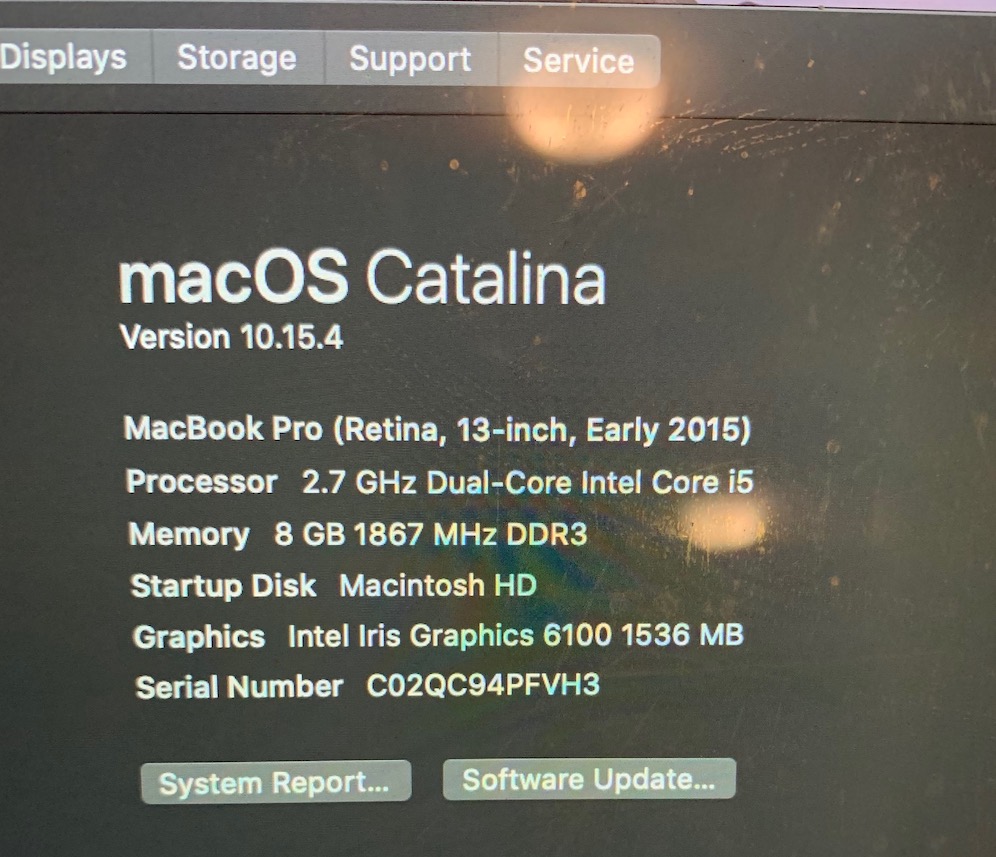
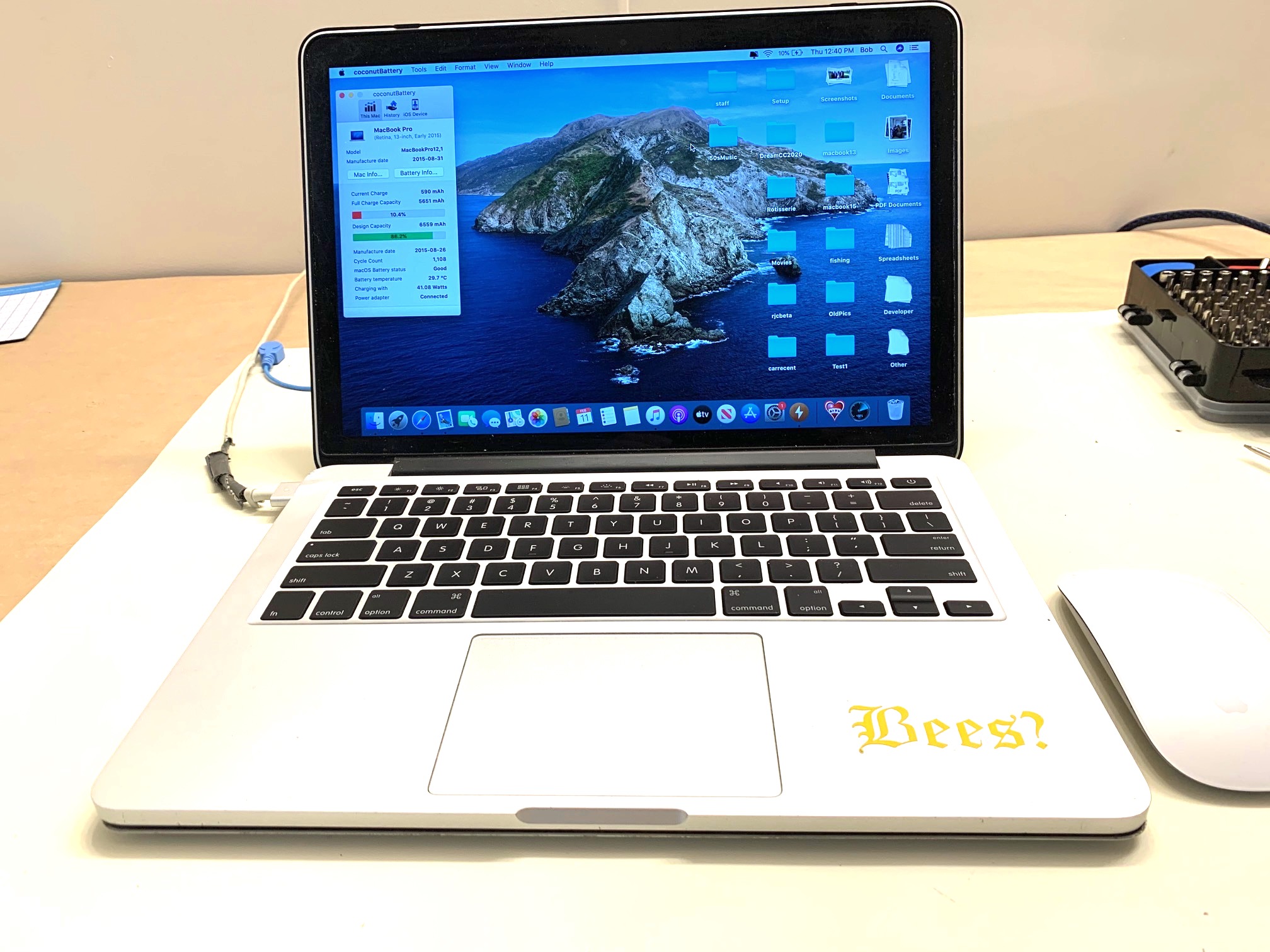
Steps:
• connected an external keyboard and managed to log in
• set myself up as new user and set myself to adminstrator
• backed up system on Time machine
• deleted unnecessary software
• ran "Cleanmymac" program to free up more space the SSD
• upgraded to "Big Sur" OS to see how well the laptop worked
• backed up to Time Machine again
• drained the battery
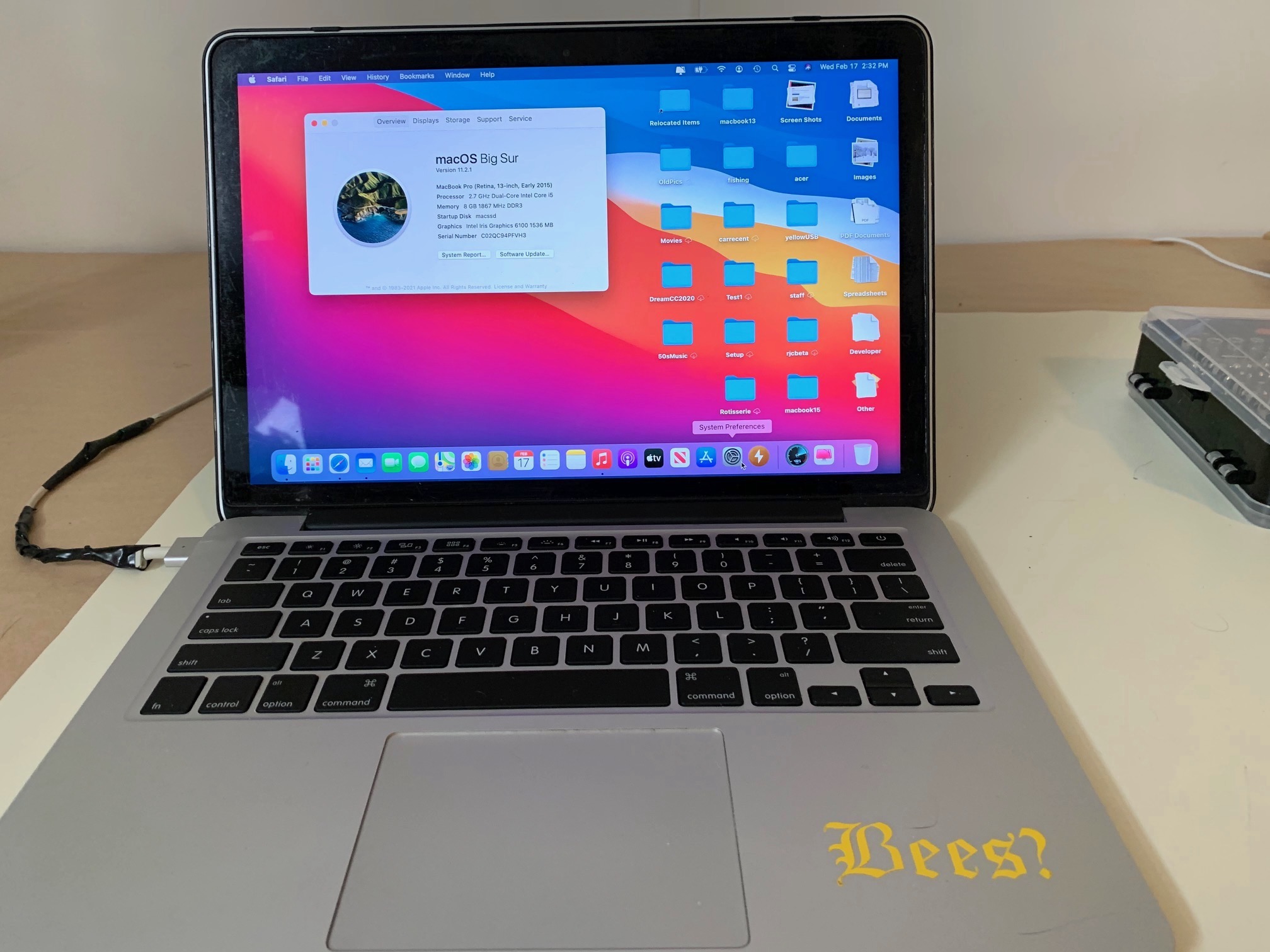
I now began to totally dismantle the laptop - see video1 at the end of this page.
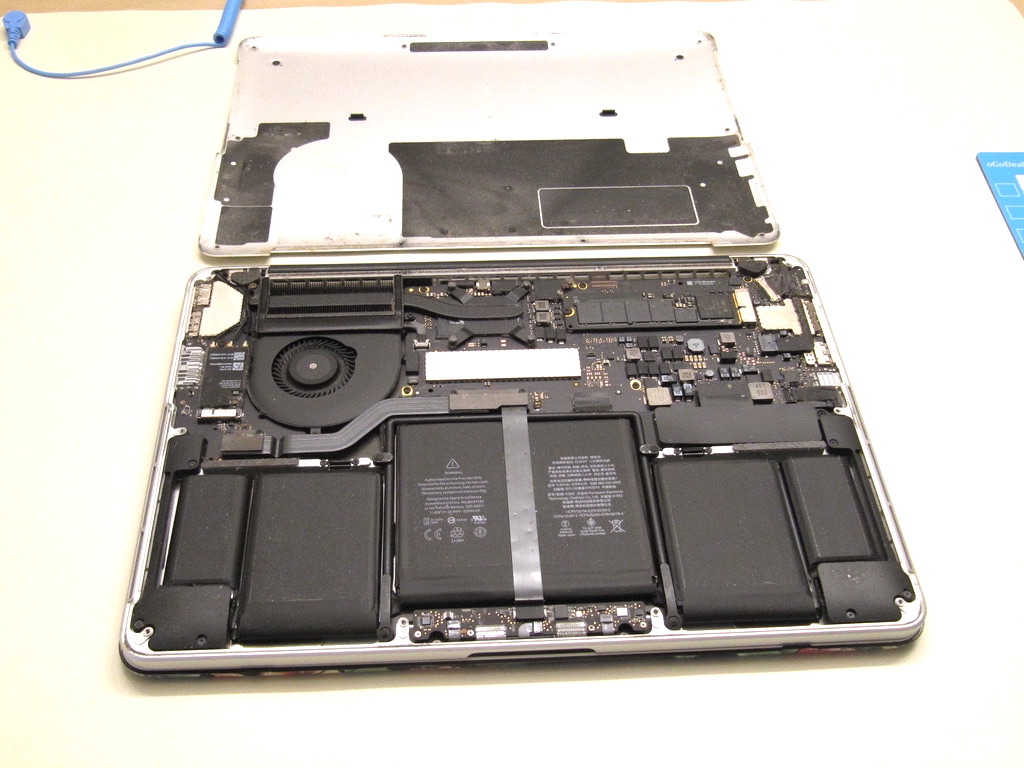
Here is a picture with the back cover off.
Here is a picture with the laptop completley dissasembled.
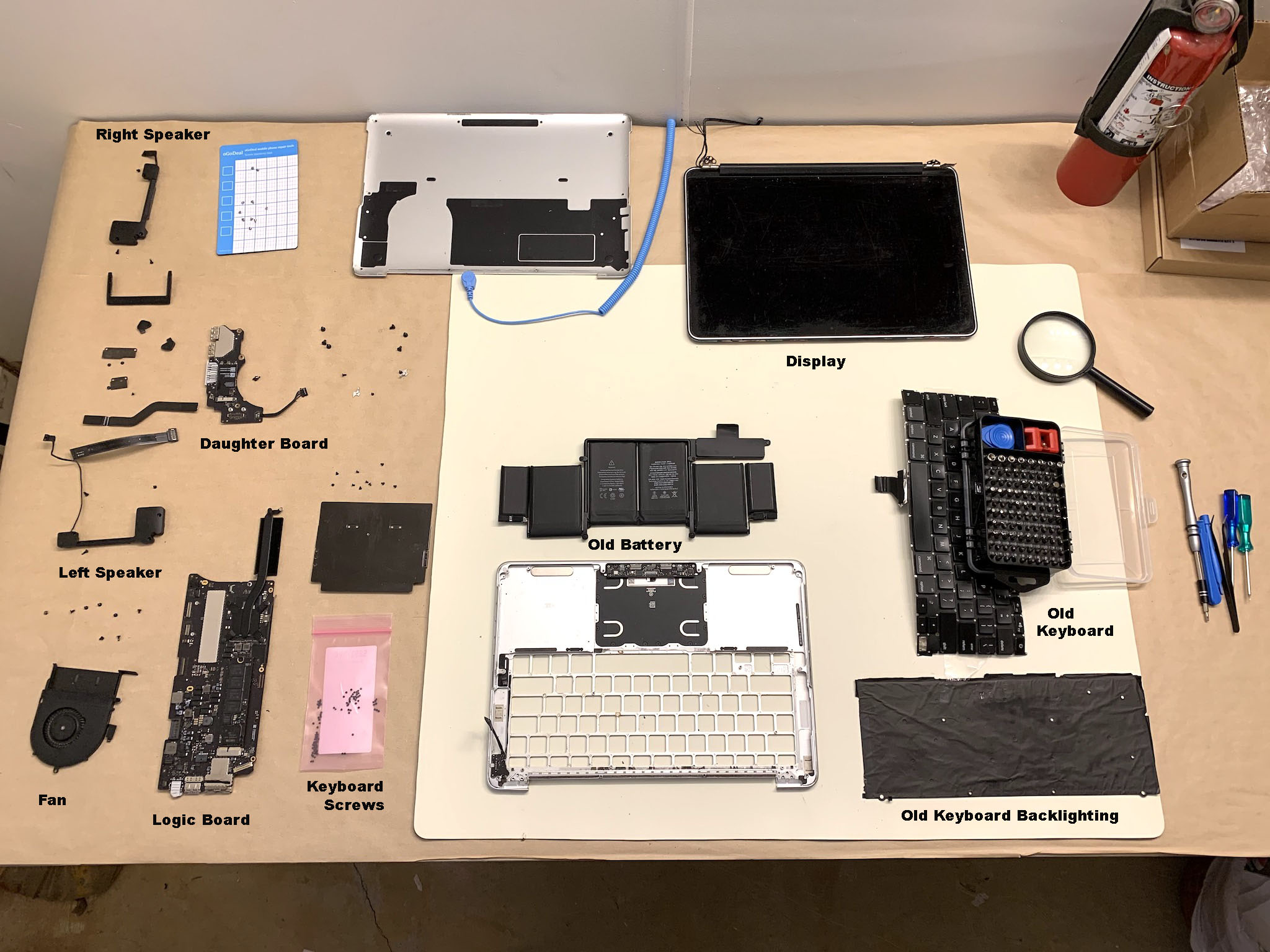
Apple in their wisdom decided to make it very difficult for non-professionals to do maintenance on their computers. They want customers to buy new computers instead. They attached the keyboard to the bottom case with about 100 rivets. After I got the backlighting off, I put some packing tape on the back side of the keyboard. I then grabbed one end of the keyboard with pliers and pulled up to pop all the rivets which stuck to the packing tape instead of flying all over the floor! The new keyboard came with 100 small screws which can be used to replace the rivets.
Apple also glued the battery to the bottom case which makes it very difficult and dangerous to remove! I managed to do it without puncturing the battery.
Steps continued:
• created a bootable flash drive with the latest operating system using my main Macbook
• re-assembled the laptop with new battery and keyboard
• powered up the laptop
• ran "coconut" software to check the battery
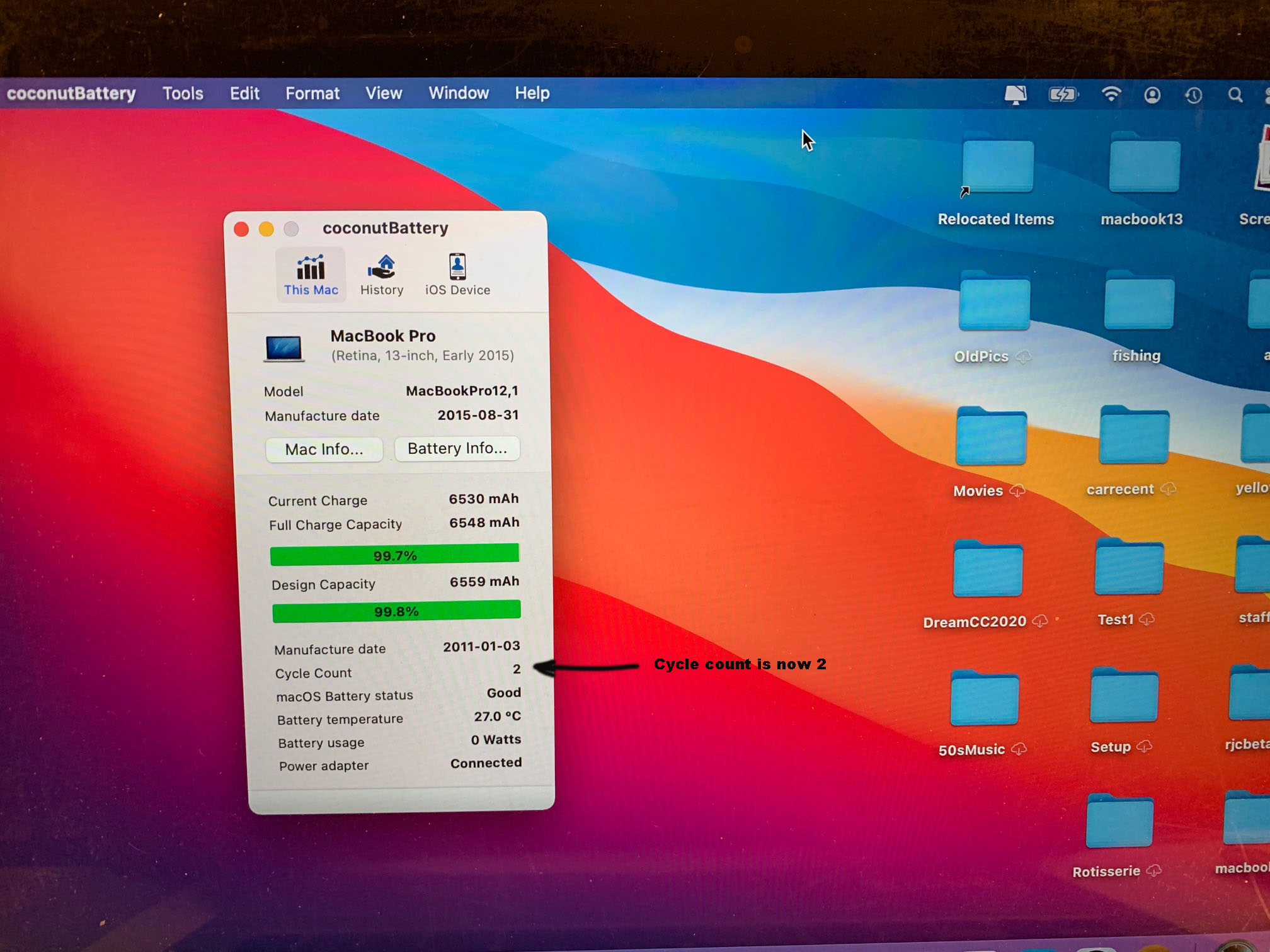
• the battery now shows a cycle count of 2
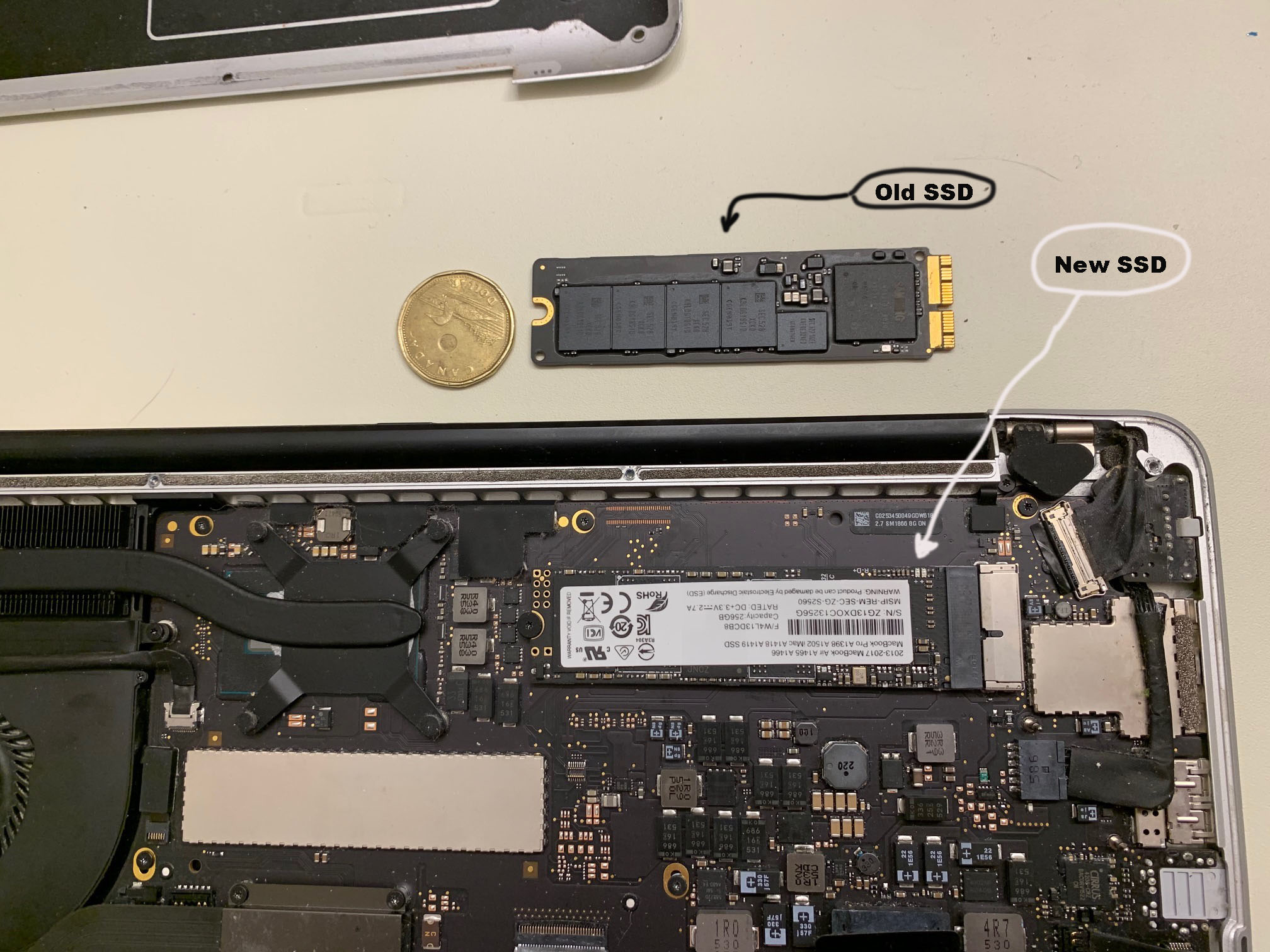
• powered down tha laptop and changed the SSD drive with a new 256gb drive
• powered up with the bootable flashdrive installed
• selected disk utilities and formatted the SSD drive
• installed "Big Sur" from the flashdrive
• re-installed the original settings from Time Machine
Cost for Repair
• keyboard - $22.80US plus $14.55US delivery
• battery - $78.99CAN free delivery
• 256GB SSD - $59.88US free delivery
• new Magsafe power supply - $39.95US plus $4.95US delivery
TOTAL COST = $259.88 Canadian
Videos
Video1 - 2015 Macbook Pro 13" Disassembley